


3D Printers
The Makerspace has a variety of 3D printers which are available for use by students, faculty, and staff! You MUST have an active CatCard or Index Number to print at the Makerspace as there is cost associated with printing here! 3D printing is a great method for rapid prototyping, developing unique and functional objects, or making replacement parts. Makerspace employees can help guide you through the process no matter your background. Please do NOT touch the 3D Printers! Only Makerspace employees may touch/operate the 3D Printers!
- Create or find the file you want to print. Make sure to write down or remember the dimensions of each object.
- Save it as an .stl, .step/.stp, .3mf, .obj
- Give the file to a Makerspace employee for slicing
- The Makerspace employee will confirm your choices for infill, material, supports
- Leave your name, email, and GID (or index number for research prints) with the Makerspace employee. If you do not have an active GID or index number, you cannot print at the Makerspace.
- Pick up your print once it is done!
- You will be billed on your CatCard or your index after you pick up your print
Please see the pricing page for the most up to date list of materials and prices.
It can vary wildly based on the printer, material, infill, and supports. As a rule, SLA printing is slower than FDM printing, but SLA printing results in much more detailed prints. Makerspace employees can help you find the option that best suits your needs.
3D Printing Materials
| FDM Printers |
SLA Printers |
|---|---|
| PLA | Clear Resin |
| PETG | Opaque Resin |
| ABS | Tough Resin |
| TPU | High Temperature |
| Nylon | Castable |
| Note: Materials are subject to availability, contact the Makerspace if you have specific needs | |
FDM Materials:
For basic prototypes and non-structural projects, PLA will meet the needs of most users, it is a forgiving material that performs decently well under low loads and thermal conditions. PETG is a step above PLA, and is has higher resistance to chemicals and fatigue. ABS and ASA can handle higher loads than both PETG and PLA but requires an enclosure to minimize warping during the printing process.
SLA Materials:
Clear and opaque resins both result in high detail prints that are suitable for prototypes, minis, and other parts that do not require high strength properties. Clear prints can show internal details but the level of transparency may change over time. Tough resin is similar to ABS, able to handle higher loads and serve as a functional part. High temperature resin has the benefit of holding its shape above 200 degrees Celsius. Castable resins can be used in investment casting processes.
Please check out the Formlabs Website (external link) to look for material properties and MSDS'. Do not purchase resin from this storefront for use in the Makerspace.
FDM Printing
SLA Printing
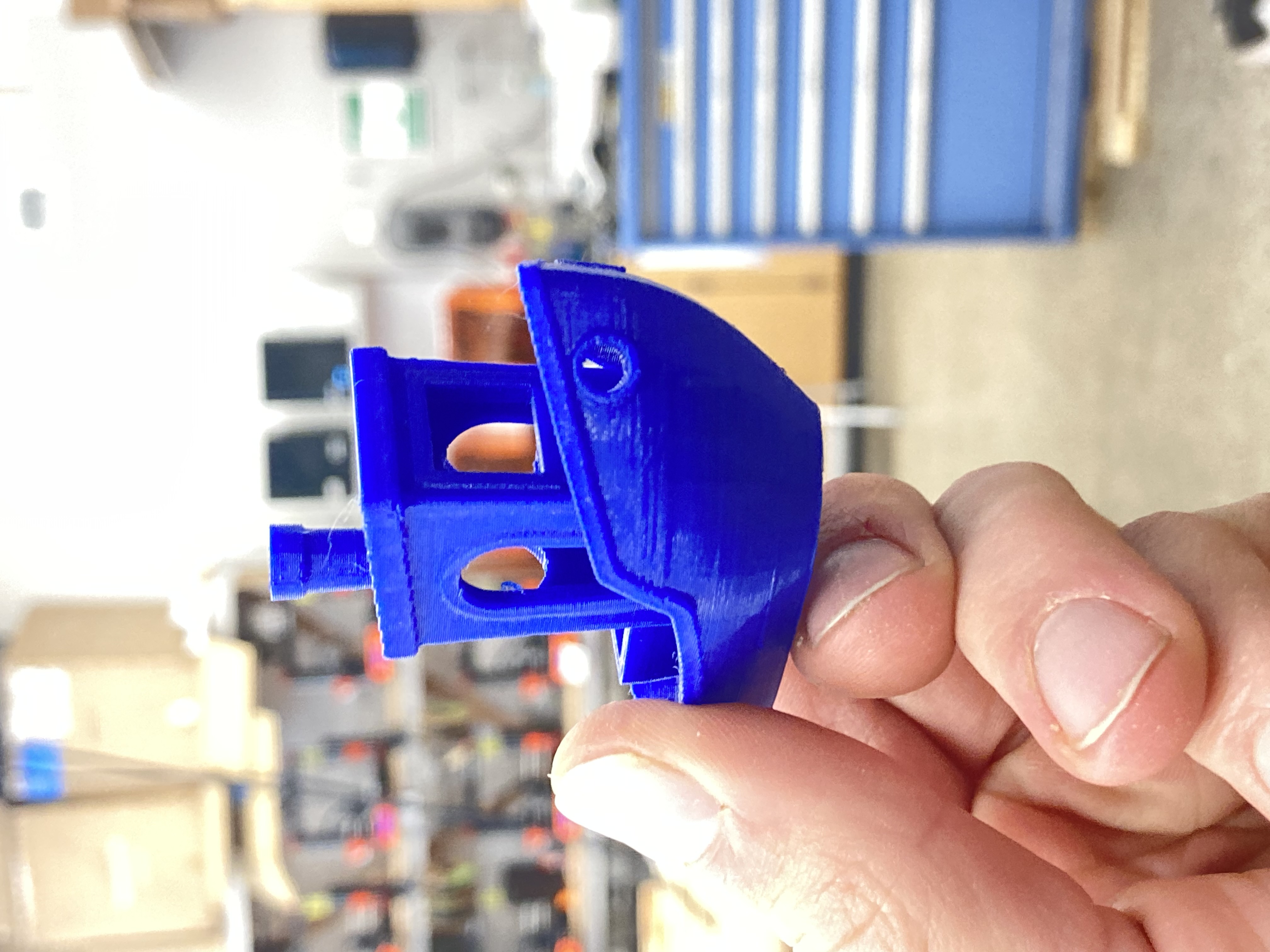
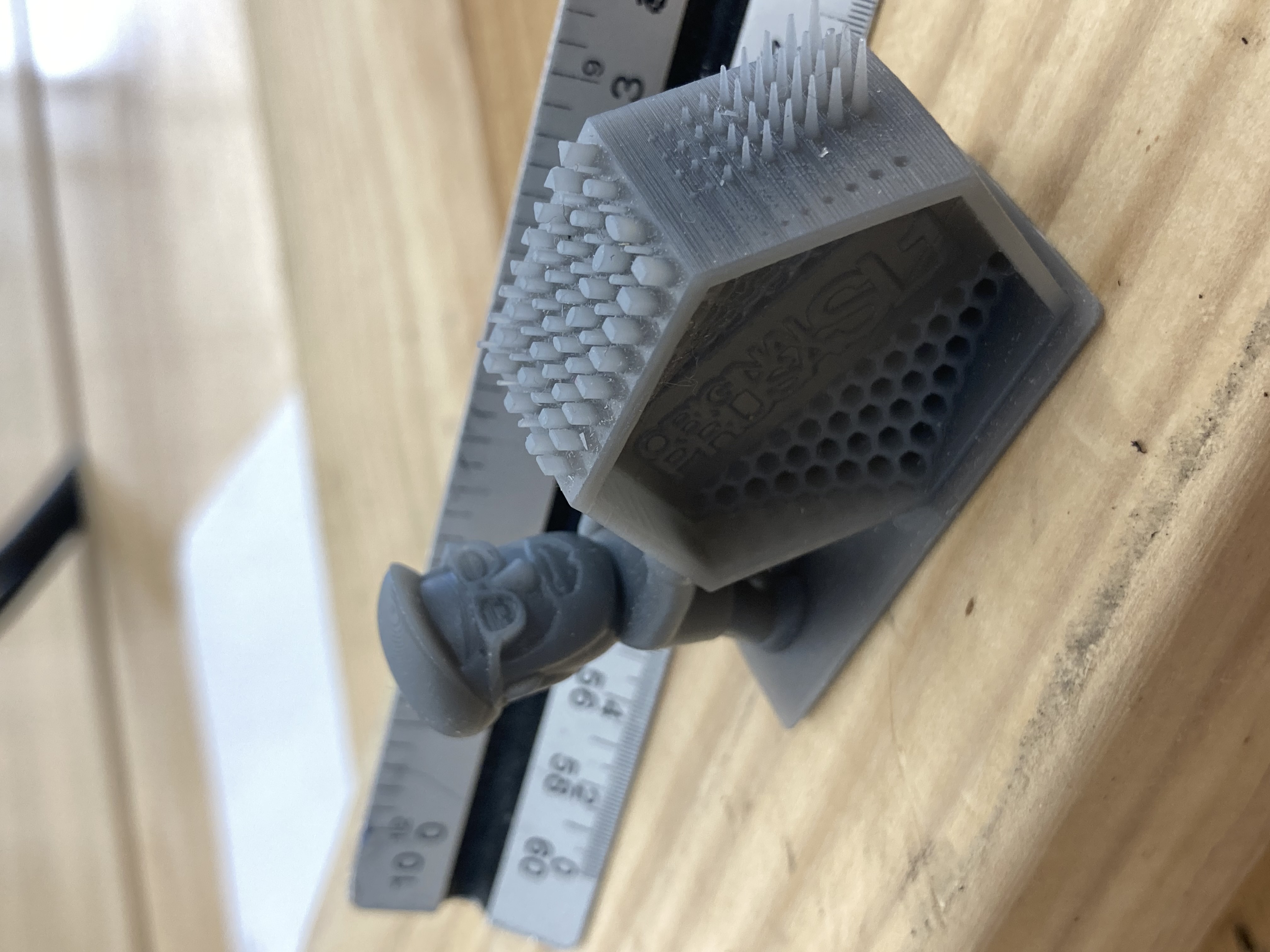
- Great for rapid prototyping
- Anisotropic material properties
- Relatively cheap
- Low feature resolution
- Isotropic material properties
- Fine details, smooth surfaces
- More expensive than FDM
- Smaller build volume than FDM printing
Prusa MK3.9S
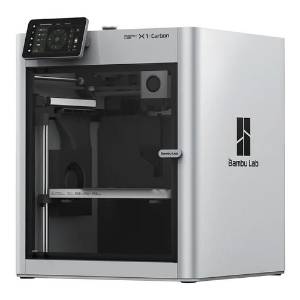
Bambu X1C
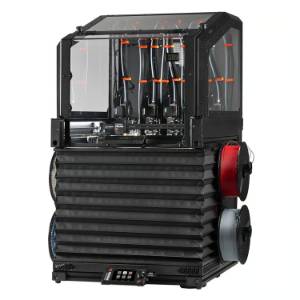
Large Scale 3D Printing
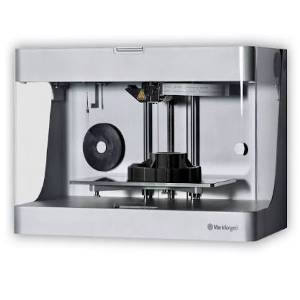
Reinforced 3D Printing
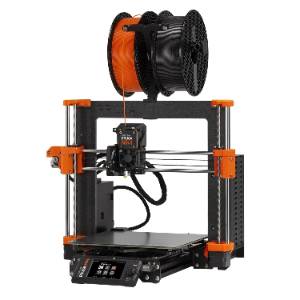
- Prusa MK3.9S
- Great for rapid iterations
- Can print PLA, PETG, TPU
- 9.8 x 8.3 x 8.3 in.
- Bambu X1C.
- Slightly larger build plate. Enclosed container.
- Can print PLA, PETG, ASA, ABS, Easy Nylon.
- 10.1" x 10.1" x 10.1"
- Prusa XL.
- Caution! Larger prints are more expensive and can fail more often. We recommend splitting parts up where you can.
- Can print PLA, PETG, TPU
- Build dimensions 14"x14"x14"
- Markforged Mark 2 printer
- More in depth slicing process, you must have a good understanding of 3D printer part strengths and the loading for your part
- Onyx (nylon with chopped carbon fiber)
- Reinforcements: Continuous carbon fiber, fiberglass, kevlar
- Proper applications of this process results in very strong parts
-
Build volume of 12.6" x 5.2" x 6"
Tutorial Video
Please see our tutorial video below for general use information about our 3D Printers
All prints must be sliced by a Makerspace employee!